
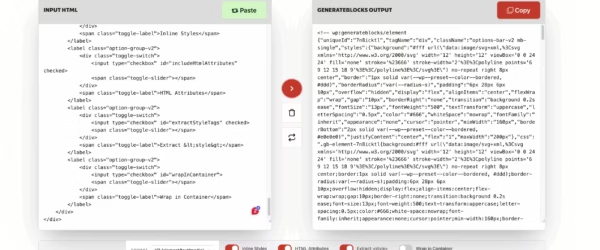
HTML to GenerateBlocks Converter
Convert standard HTML into GenerateBlocks-ready output without wrestling with block markup by hand.
These are practical tools I’ve built over time for WordPress work, SEO, content, pricing, and digital marketing. No login walls. No hidden limits. No dashboard circus.
A lot of these started as private utilities for my own workflow. Then I realized the same pattern kept repeating. The free tools were packed with ads. The decent ones wanted a login. And the premium ones charged monthly for things that should’ve taken ten seconds.
So I built my own. Plain interface. Fast output. Useful result. That’s the whole idea.
Most tools should feel instant. Open, enter, get the answer, move on.
These solve pricing, SEO, content, and WordPress problems I actually run into.
No account creation, no fake urgency, no weird paywall after two clicks.
These solve broad, recurring problems for builders, writers, marketers, and WordPress users.
Convert standard HTML into GenerateBlocks-ready output without wrestling with block markup by hand.
Work out what you actually need to charge, not what random people on X say is fair.
Compare platform costs before you lock yourself into a tool that gets expensive too fast.
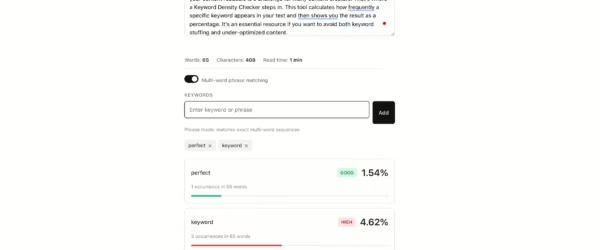
Quick content auditing without opening another bloated SEO tool just to check a page.
Every tool is free, fast, and runs entirely in your browser.












I didn’t sit down and decide to build a “tool suite.” I got annoyed often enough by bad interfaces, inflated pricing, and tasks that should’ve been simple. That irritation turned into little utilities. Then more of them. Then this page.
That’s why the page should feel plain in the right way. Calm. Clear. Useful. Not empty, and definitely not generic.
Tell me the problem. If it’s practical and annoying enough, there’s a good chance I’ll build it.
This page naturally bridges into my WordPress work, SEO services, code experiments, and product thinking. The tools are proof of work, not filler.
Yes, every tool on this page is 100% free with no usage limits, no login required, and no premium tier. I built them for my own workflow and made them public because others found them useful.
No. Every tool runs entirely in your browser using JavaScript. Your inputs never leave your device. There are no API calls, no server-side processing, and no data collection of any kind.
Paste any standard HTML and CSS into the converter and it outputs GenerateBlocks V2 block markup. The output includes properly formatted JSON attributes, inline styles, and unique IDs that you can paste directly into the WordPress block editor.
The calculator compares pricing across popular platforms including Mailchimp, ConvertKit, ActiveCampaign, and Brevo at different subscriber counts. It shows you the real monthly cost so you can compare before committing to a platform.
Use the Freelance Rate Calculator. Enter your target annual income, estimated billable hours per week, business expenses like software and taxes, and your desired profit margin. It calculates the minimum hourly rate you need to charge to hit your income goal.
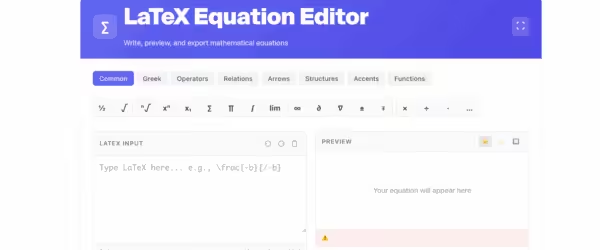
Yes. The LaTeX Editor works instantly in your browser with live preview. No account, no installation, and no sign-up required. It renders mathematical equations and scientific notation in real time, unlike Overleaf which requires a login.
It calculates your cost-per-click and cost-per-acquisition from ad spend data. Enter your total spend, number of clicks, and conversions to see whether your Google Ads, Meta Ads, or LinkedIn Ads campaigns are actually profitable.
I update them whenever I find bugs or when underlying data changes, like PayPal fee structures or email marketing platform pricing. If something is broken or outdated, you can reach me through the contact page and I’ll fix it.